Your creative vision, textured.
An expansive library of textures, presets and gradients, with AI Assist, trace paper and layers, in one focused studio for macOS and Windows.
Available on macOS and Windows

- Film Textures149
- Glass Textures105
- INK Textures129
- Metal Textures91
- Plastisol Textures87
- Printed-Broked Color Textures89
- Printed-Paper Textures V.01202
- Soft Textures V.01140
- Trace Paper Textures98
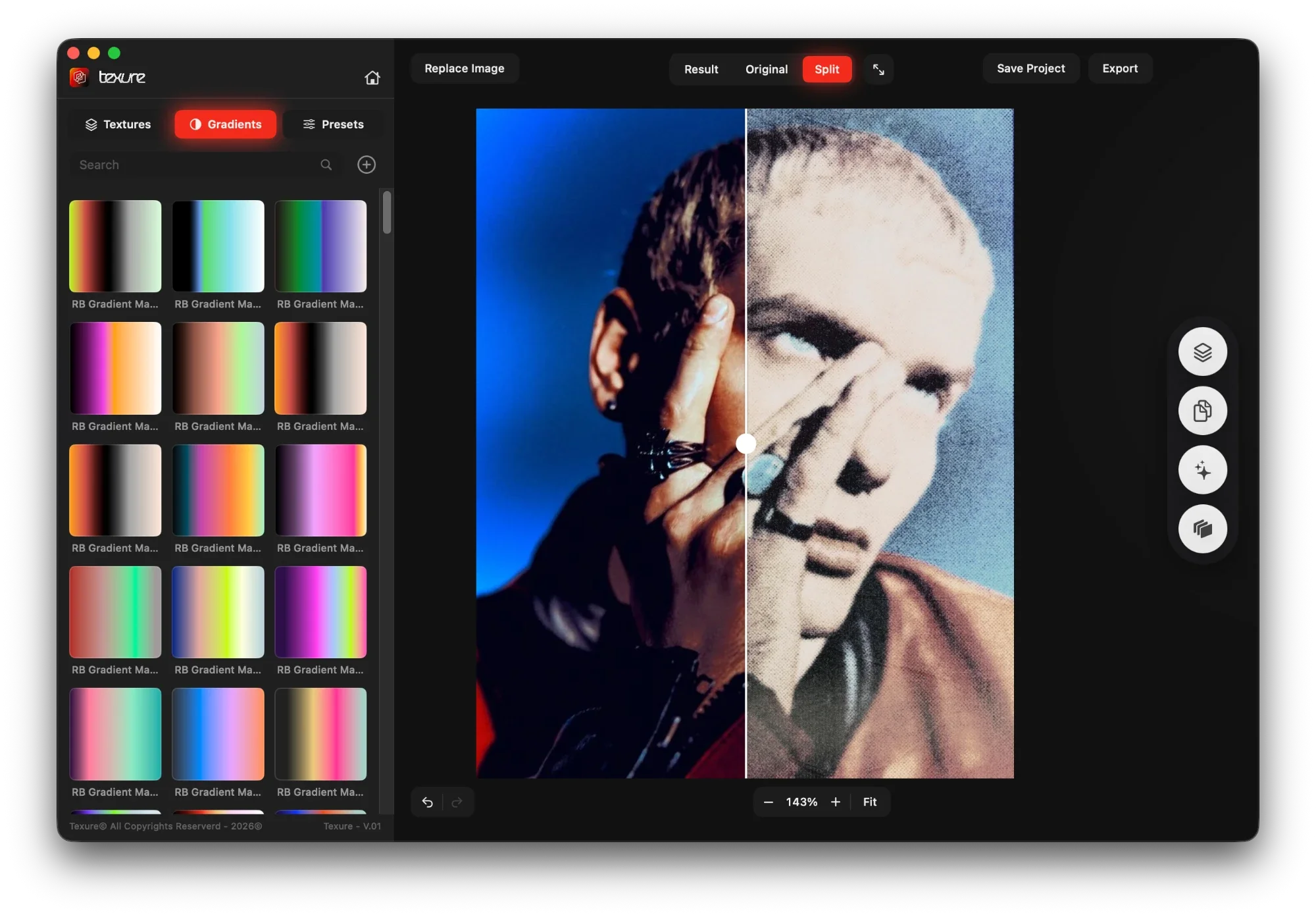
Interactive preview · demo only. Drag the split to compare the original with the Printed Ghost preset. Browsing and panels are for exploring; nothing is applied. Swipe the window sideways to see all of it.
- 1,400+Textures
- 12Texture packs
- 100Presets
- 200Gradients
- 600DPI export
01 · Texture library
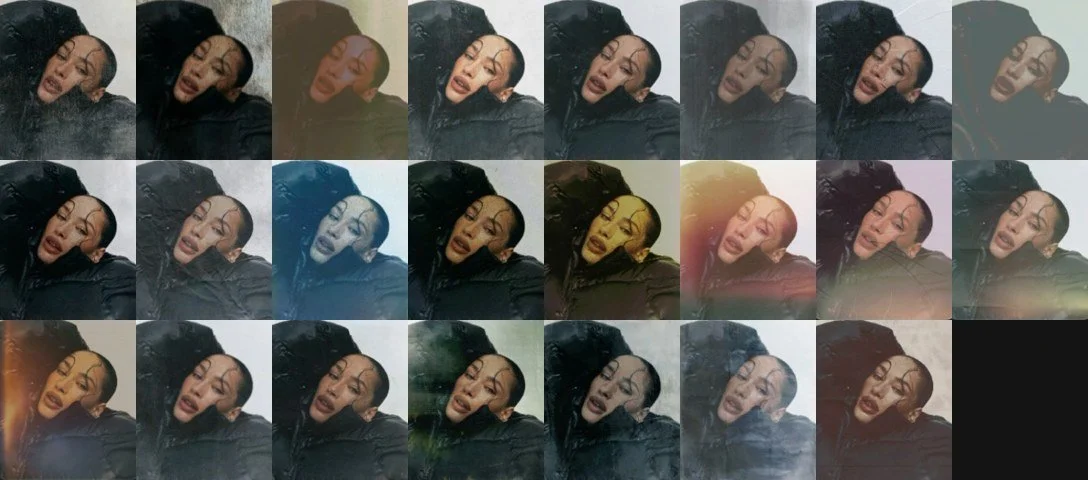
1,400+ textures. One click each.
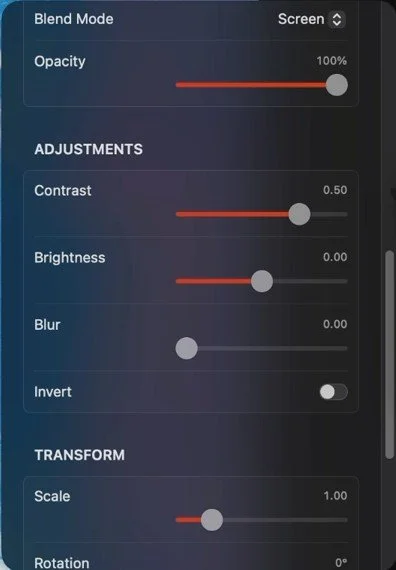
Every texture is ready to use: Texure applies it automatically, so there are no blend modes to set. When you want control, every texture has blend mode, opacity, adjustments, transform and mask.
- 1,400+
- built-in textures
- 60
- categories
- 12
- texture packs
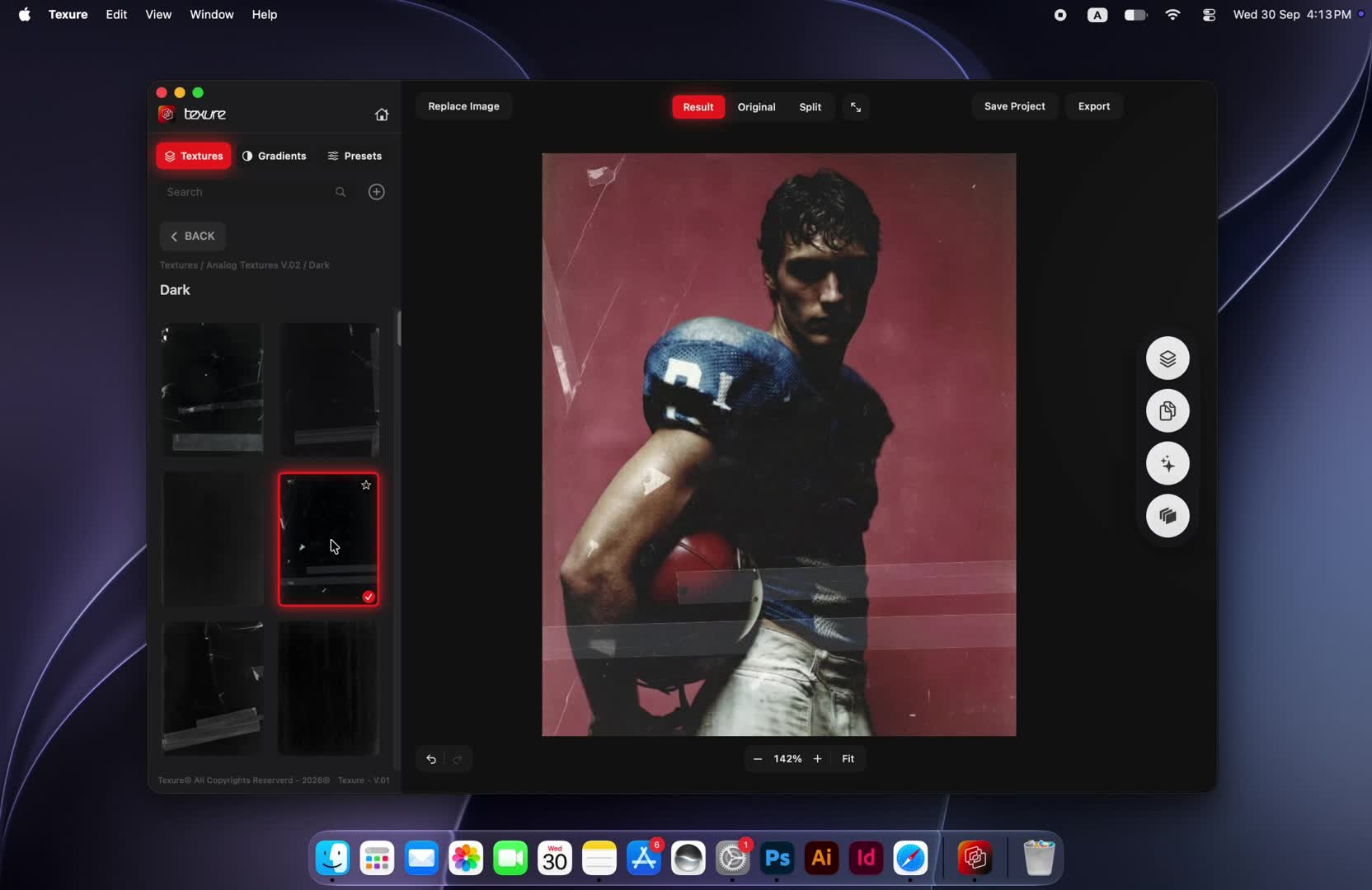 Texture library demo
- Analog Textures V.02103
- Film149
- Glass105
- Halftone103
- INK129
- Metal91
- Plastisol87
- Printed-Broked Color89
- Printed-Paper V.01202
- Printed-Paper V.02133
- Soft V.01140
- Trace Paper98
02 · Presets
100 looks, ready in one click.
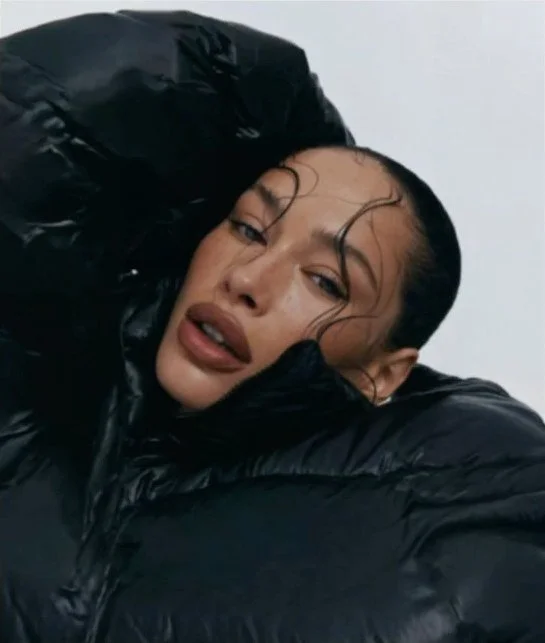
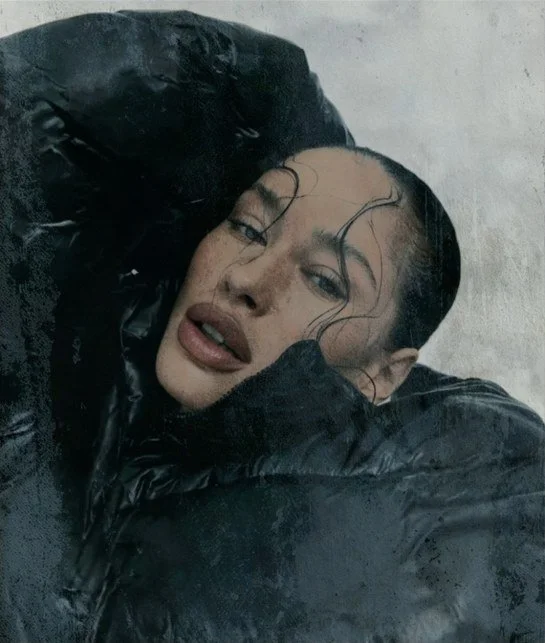
Start from a finished direction instead of a blank canvas. Each preset is a complete look, so you can try ideas fast and keep a series consistent.
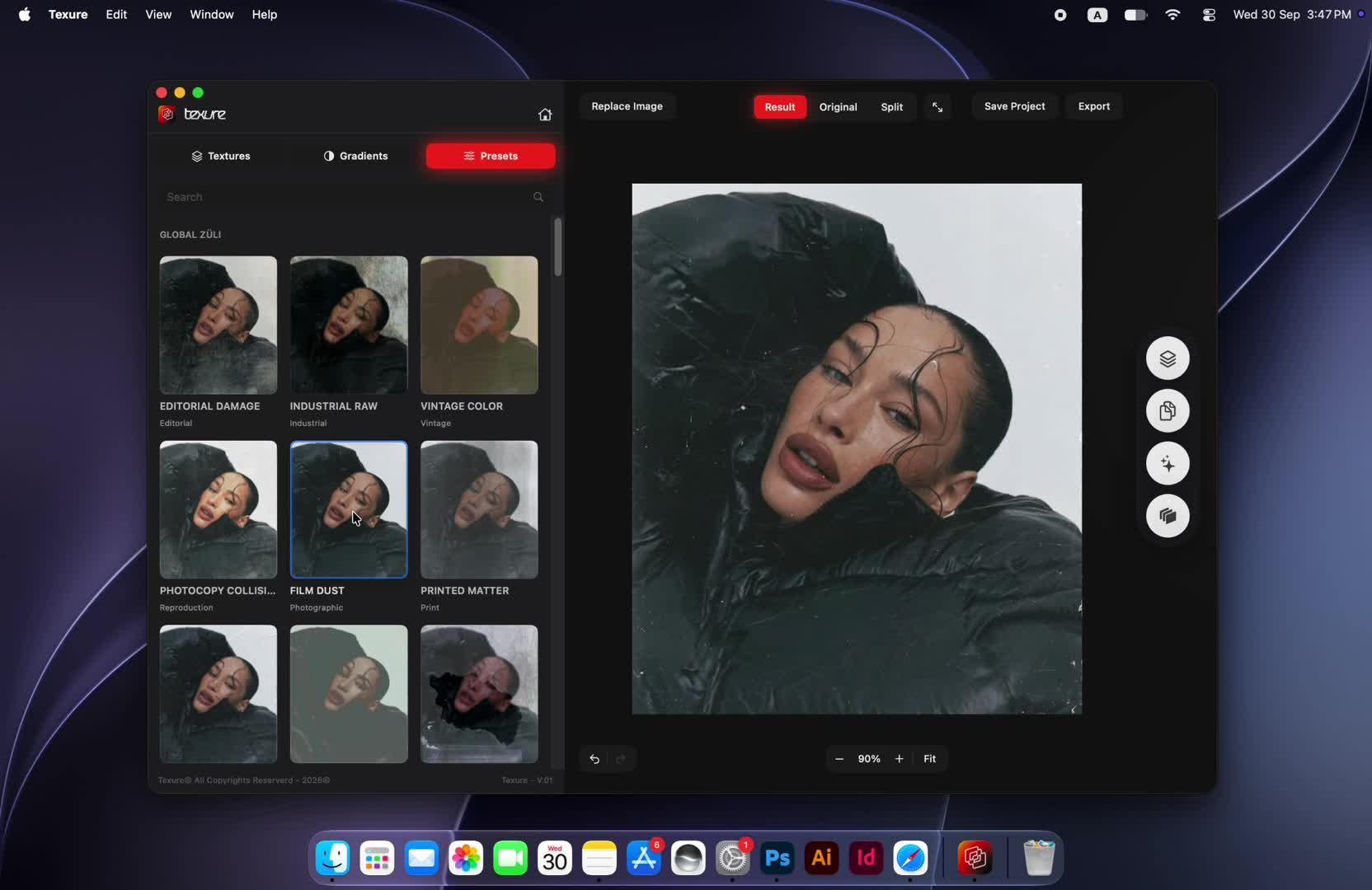 Presets demo
- Editorial Damage
- Industrial Raw
- Vintage Color
- Photocopy Collision
- Film Dust
- Printed Matter
- Color Drift
- Deep Grain
- Amber Archive
- Grain Machine
03 · Gradients
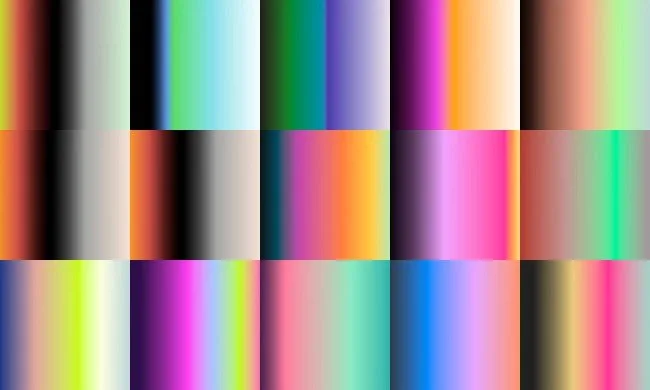
200 gradients. Color with intent.
Built-in gradient maps re-color your image in one click, from subtle toning to bold, saturated treatments. Combine them with textures and they stack as layers you can keep refining.
200 built-in color gradients
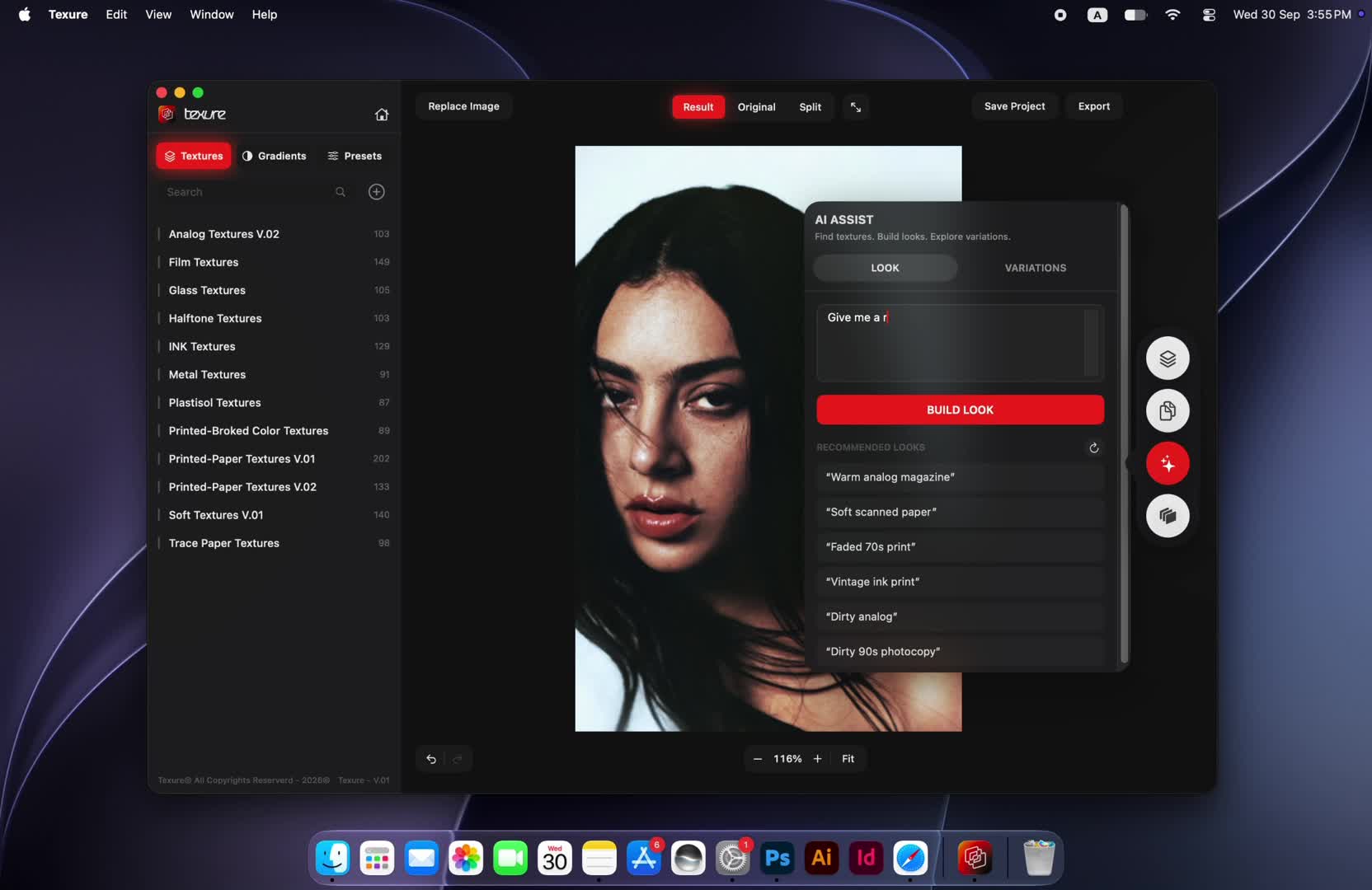
04 · AI Assist
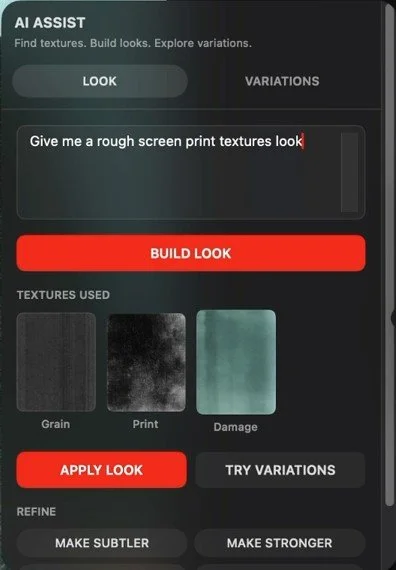
Describe the look. Texure builds it.
- 1Describe your vision
Type what you want, like "Give me a rough screen print textures look", or pick one of the AI recommendations for your image.
- 2Build the look
AI Assist assembles the textures for your description directly on your image.
- 3Explore variations
Generate new variations, compare them, and apply the one you like.
 AI Assist demo
 Trace Paper Maker demo
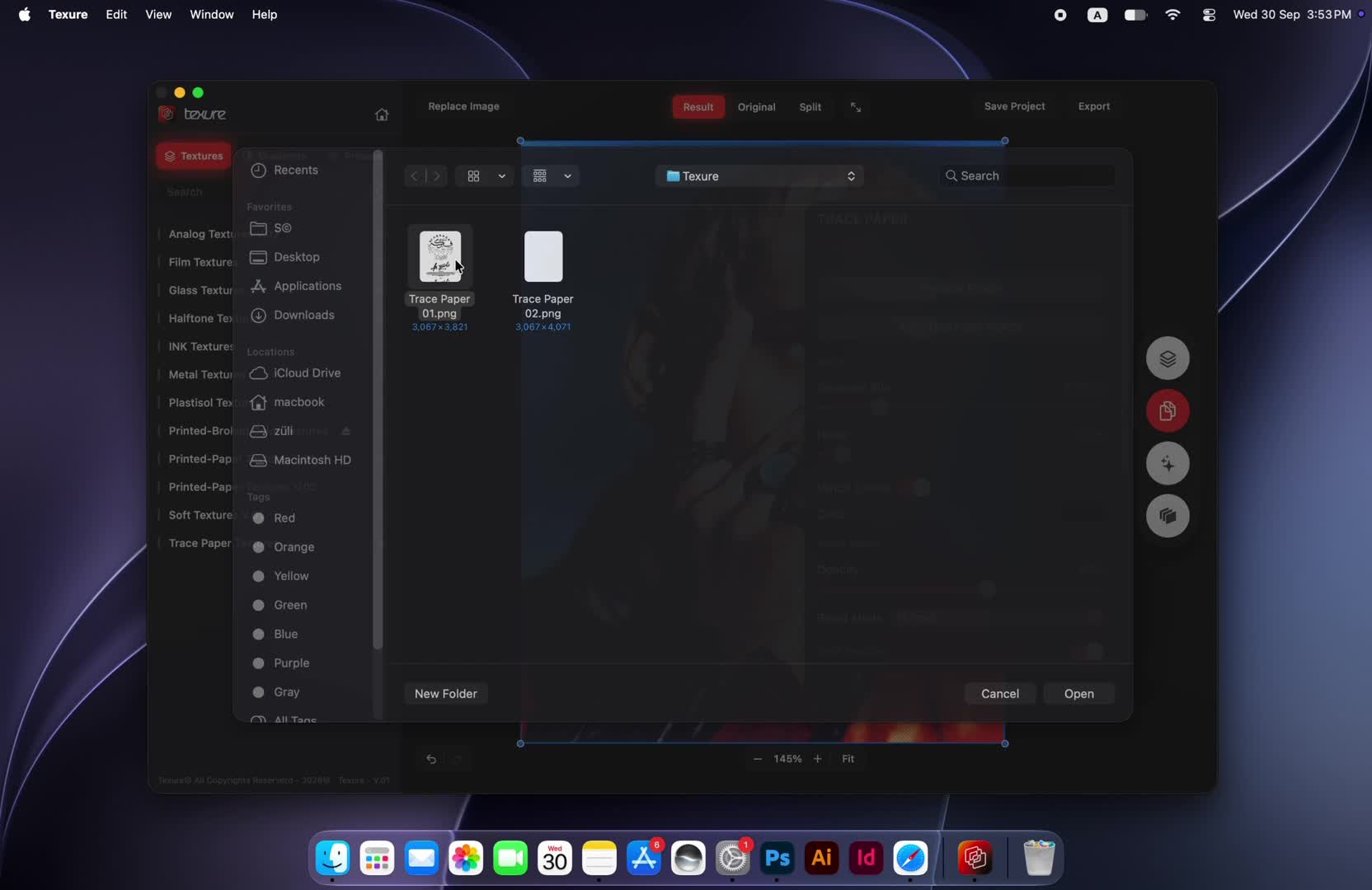
05 · Trace Paper Maker
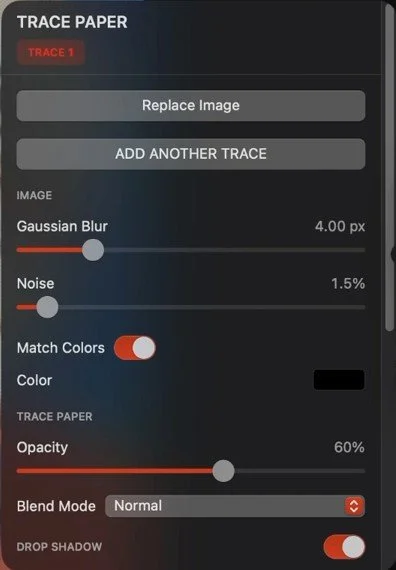
The trace paper look, from your own images.
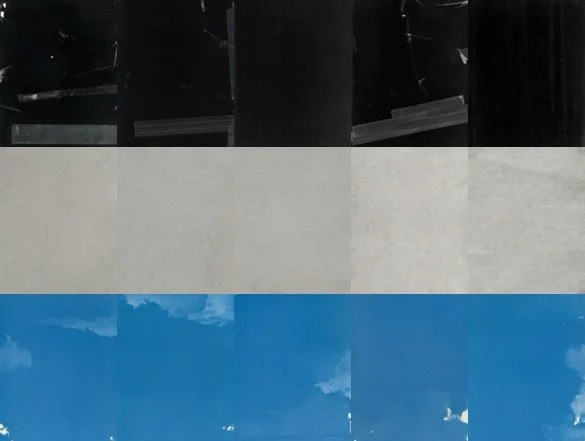
Add any image as a trace layer over your artwork and tune it until it feels printed on real paper. Stack more than one trace for richer results.
- Gaussian blur & noise
- Match colors or pick a color
- Opacity & blend mode
- Drop shadow
- Add another trace
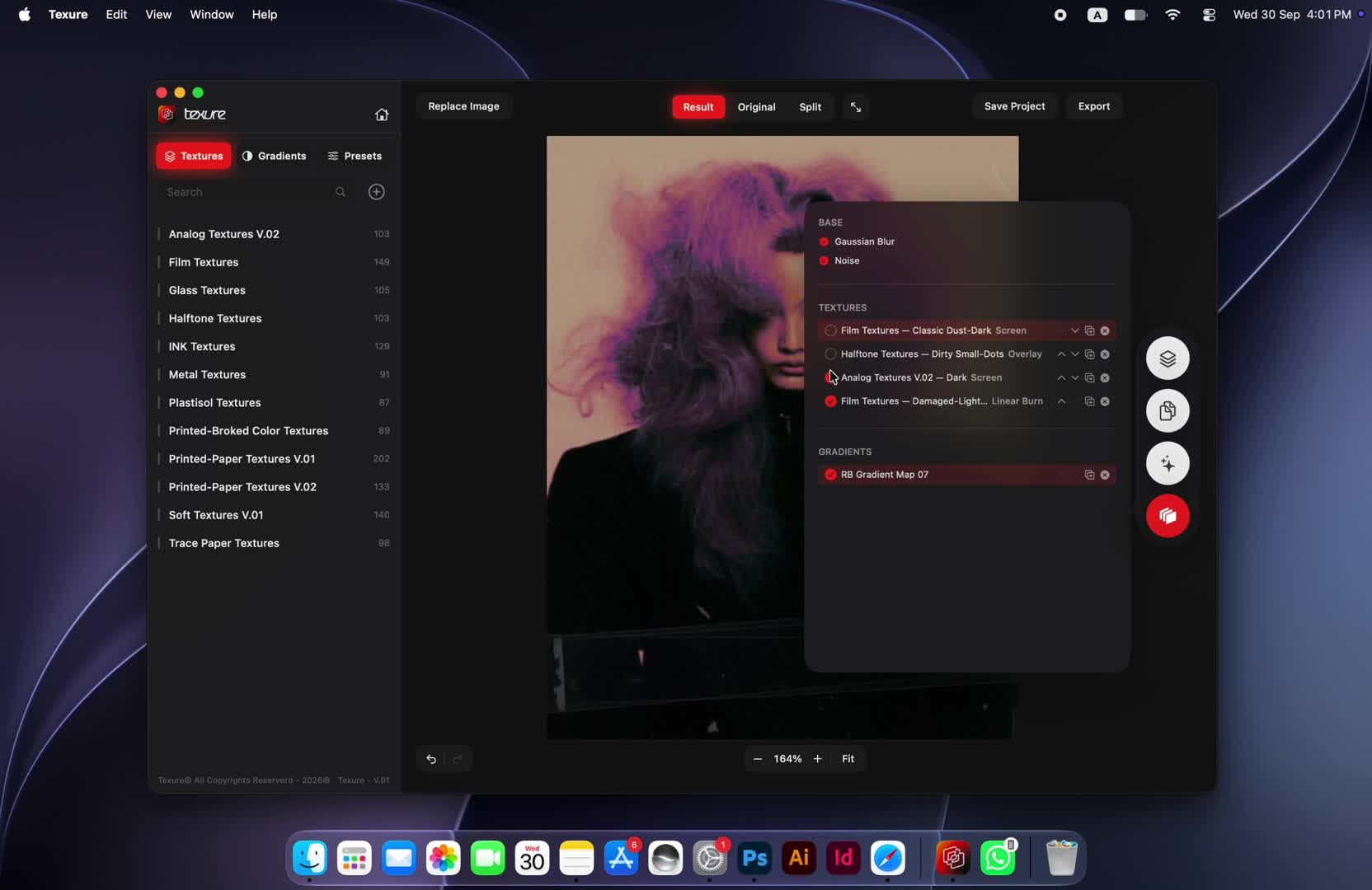
06 · Layers Editor
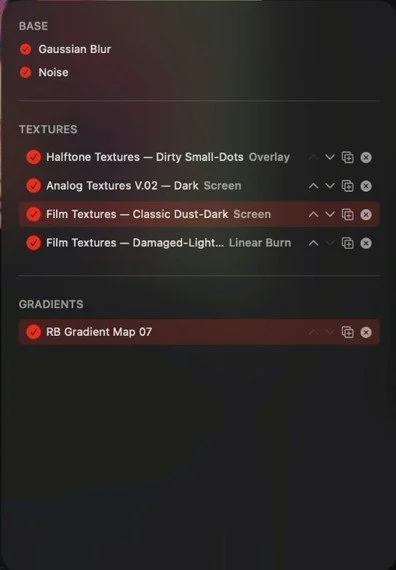
Every texture, in its own layer.
See every texture and gradient you've added, and stay in control of the result.
- Hide / unhide any layer to compare
- Duplicate to push an effect further
- Move up or down to change how layers combine
 Layers Editor demo
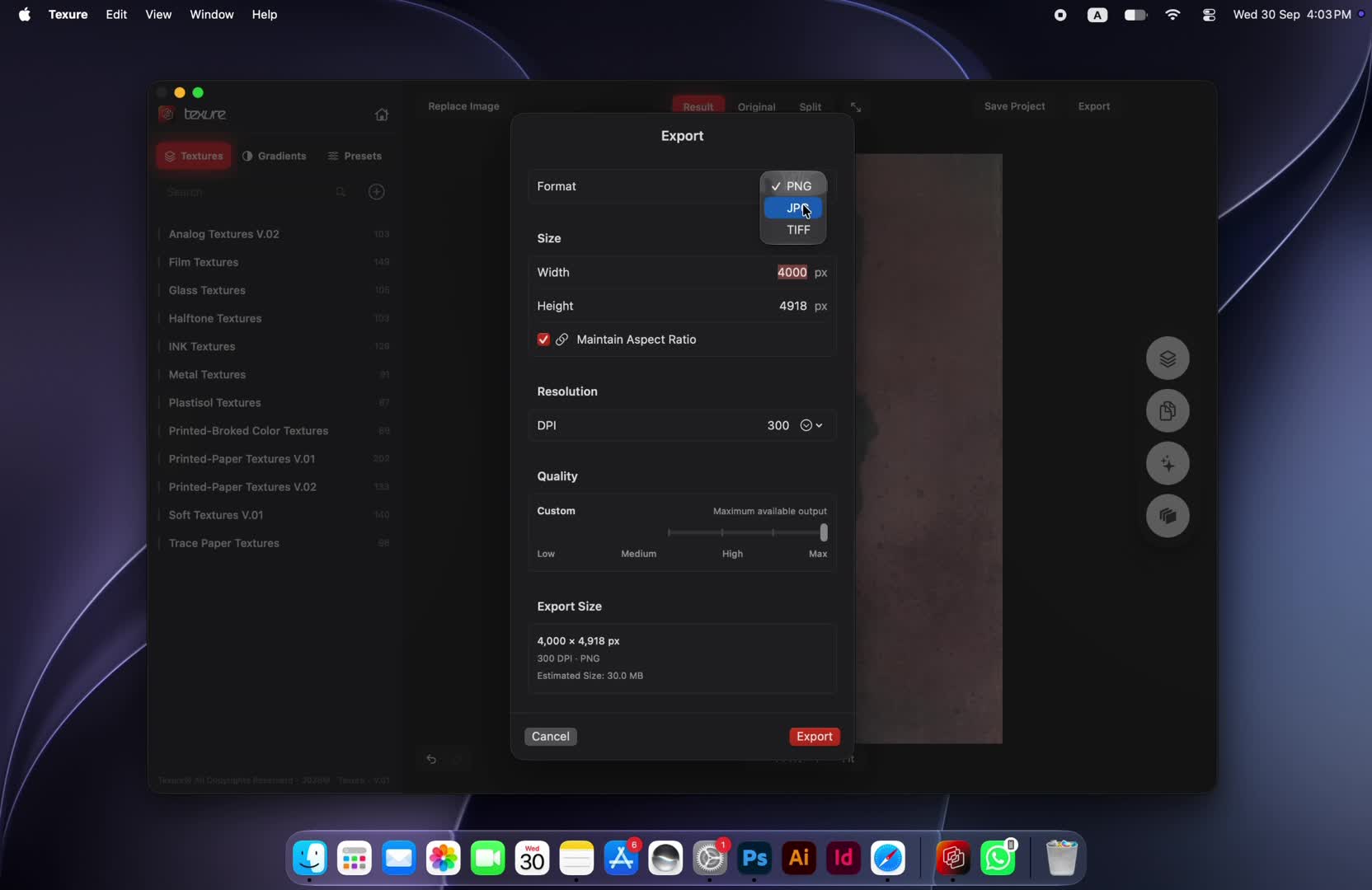
07 · Export
Ready for screen or print.
 Export demo
- Formats
- PNG · JPG · TIFF
- Resolution
- 72 to 600 DPI
- Size
- Set width and height, with an aspect-ratio lock
- Quality
- Choose the output quality
Everything in Texure 1.0
- 1,400+ built-in textures
- 60 texture categories
- 12 texture packs
- 100 ready-to-use presets
- 200 built-in color gradients
- AI Assist
- Trace Paper Effect Maker
- Layers Editor
- Export from 72 to 600 DPI in PNG, JPG and TIFF
Available on macOS and Windows
Updates are sent by email.
Texture, without limits.
Available on macOS and Windows